- 신영선
- 기본 과정
- AI 도구
엔비디아가 만든 미국 유행 이미지/영상 생성 AI툴
해외에서 뜨고 있는 이미지/영상 AI툴
- 릴스 영상을 저장 또는 공유하기로 기록 해놓습니다.
- DM으로 받은 링크를 카톡으로 옮겨 놓습니다.
- PC로 접속해서 AI 즐겨찾기 폴더를 만들어 저장해놓습니다.
- 바로 사용을 해봅니다. 절대 미루지 마세요. (⭐ 제일 중요)
1. 사이트 주소
 Invitation · NimTurn your ideas into high-quality videos
 nim.video
2. 움직이는 피규어 만드는 방법
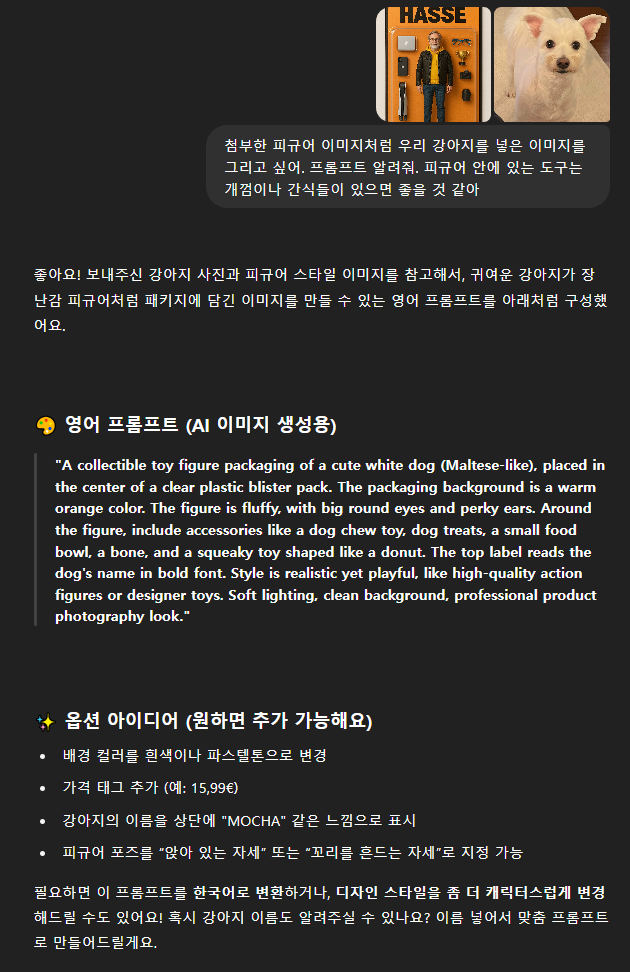
- 사용자마다 만들고 싶은 피규어가 다르기 때문에 프롬프트가 모두 같을 수 없습니다. 디테일한 요청값이 다르기 때문에 프롬프트를 만드는 방법에 대해서 알려드리겠습니다.
- 아래의 이미지를 다운 받습니다.
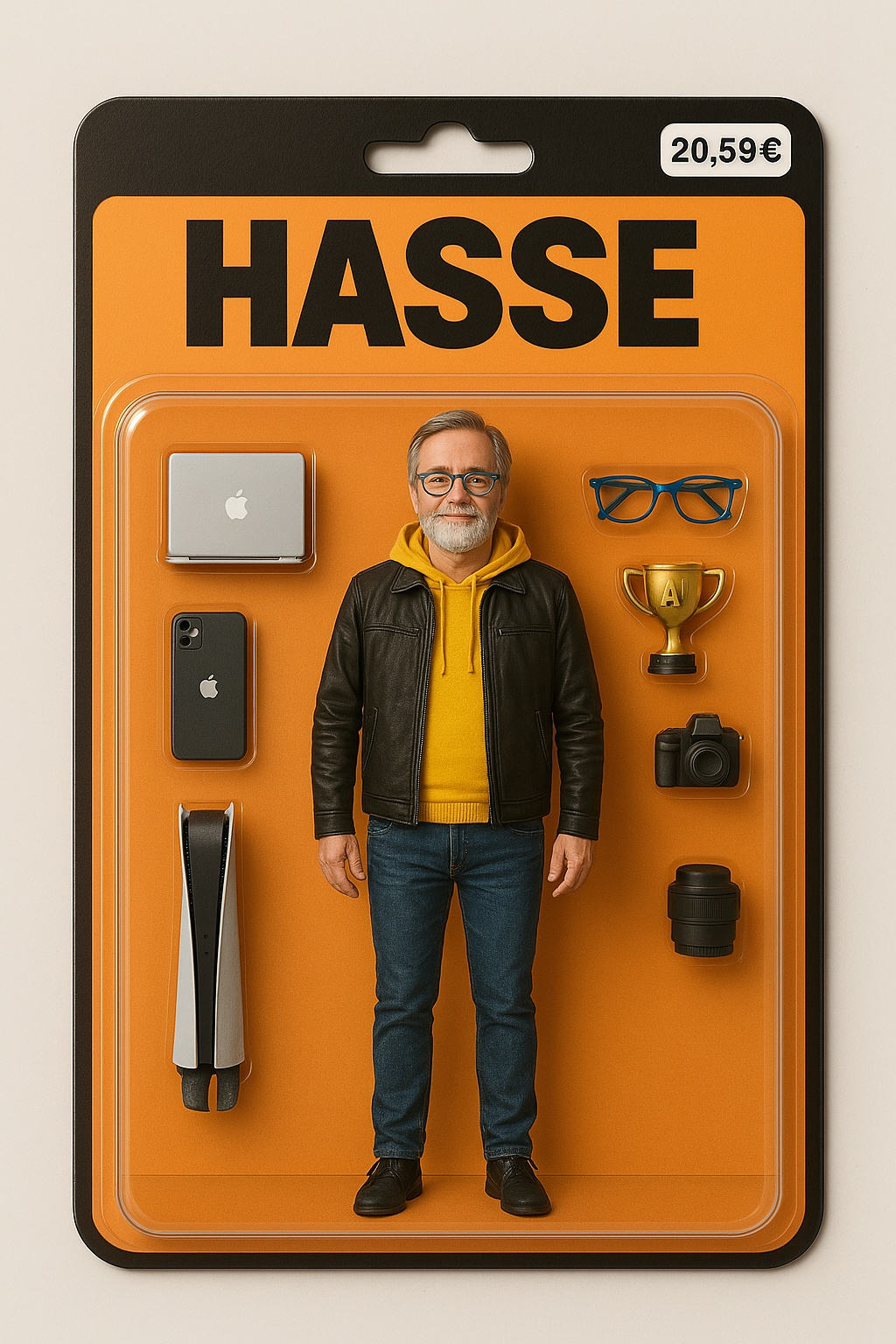
- GPT에 접속해서 다운로드 받은 피규어 이미지와 만들고 싶은 것의 사진을 첨부하여 프롬프트를 입력합니다.
- 해당 프롬프트를 가지고 nim이나 sora ai에서 이미지를 생성합니다.
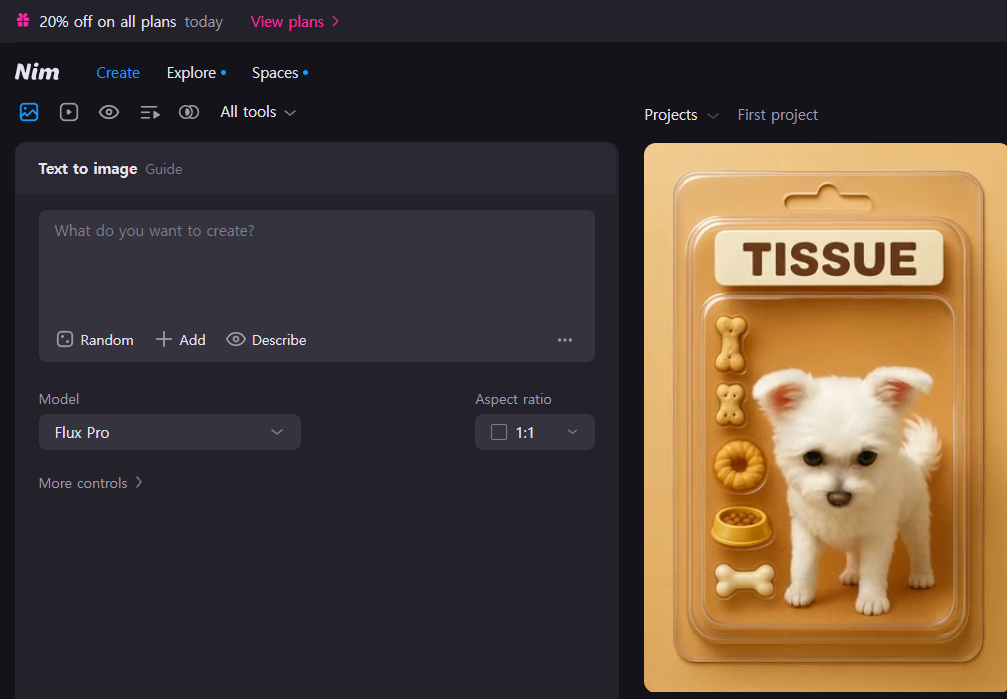
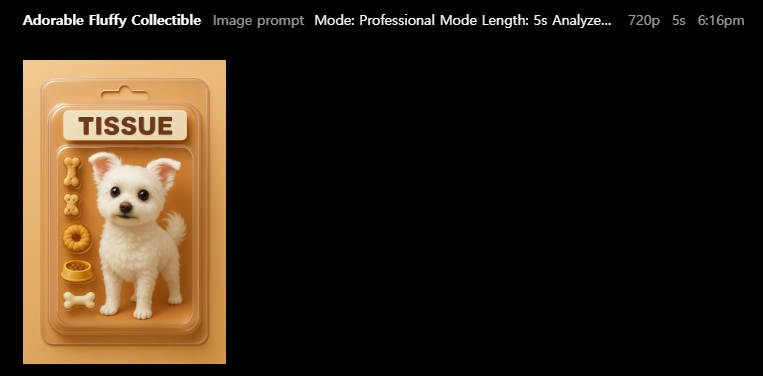
- 생성된 이미지를 GPT에 넣고 움직이는 영상에 대한 프롬프트를 요청합니다.
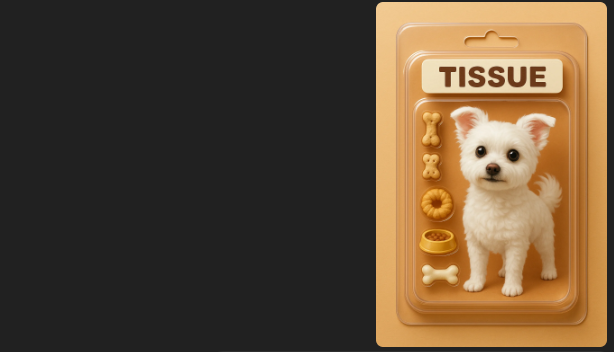
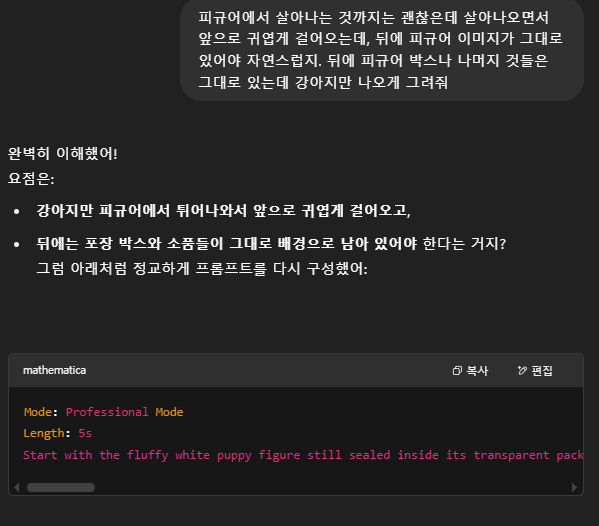
- 아래는 제가 사용한 프롬프트입니다 이 프롬프트를 기반으로 이미지에 맞게 변형/응용을 요청해도 됩니다.
Mode: Professional Mode
Length: 5s
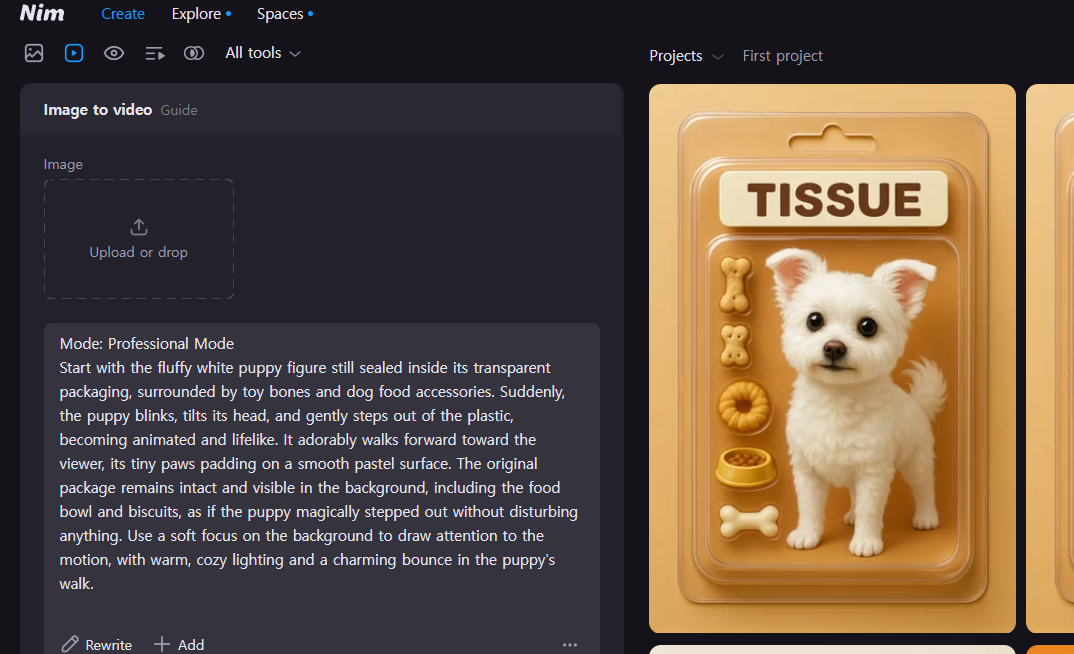
Start with the fluffy white puppy figure still sealed inside its transparent packaging, surrounded by toy bones and dog food accessories. Suddenly, the puppy blinks, tilts its head, and gently steps out of the plastic, becoming animated and lifelike. It adorably walks forward toward the viewer, its tiny paws padding on a smooth pastel surface. The original package remains intact and visible in the background, including the food bowl and biscuits, as if the puppy magically stepped out without disturbing anything. Use a soft focus on the background to draw attention to the motion, with warm, cozy lighting and a charming bounce in the puppy's walk.
- 완성된 프롬프트를 nim에 가져와 복사 붙여넣기 합니다.
이런 자료를 이메일로 받아보시겠습니까? 무료 강의 안내도 같이 갑니다.
무료로 신청하기